The right order for your MLS photos (and why the first six matter more than the rest)
A buyer scrolling Zillow at 11pm has eight seconds. The order of the photos decides whether they spend the ninth one on your listing or the next one.
The most common mistake in MLS photo galleries isn’t the photos themselves. It’s the order they’re in.
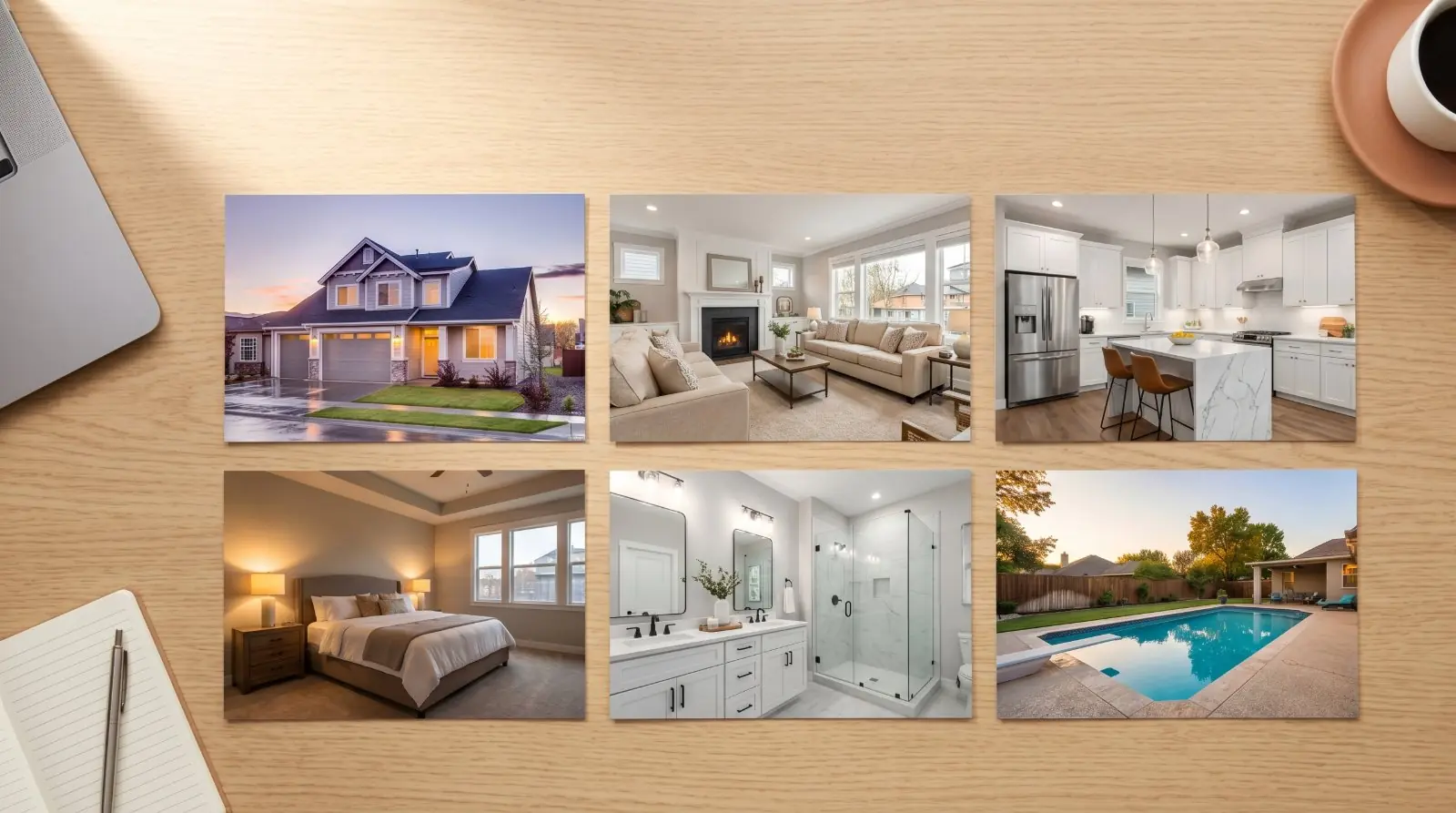
A great front-exterior photo wasted in the seventh slot. A detail shot of a tile backsplash leading the gallery. The pool, which is the listing’s strongest feature, buried in slot 14. Buyers scroll fast — they’re not waiting for the gallery to warm up before deciding whether to click “save.”
The photos do the heaviest lifting of any feature in the listing — and the order the buyer encounters them in decides whether they keep scrolling. This article covers the recommended sequence for a standard listing, the photo counts that fit each property type and price tier, the two-pass selection method that cuts 50 raw shots down to 20 polished ones, and the pre-upload checklist that catches the things most agents miss.
The first six photos do 80% of the work
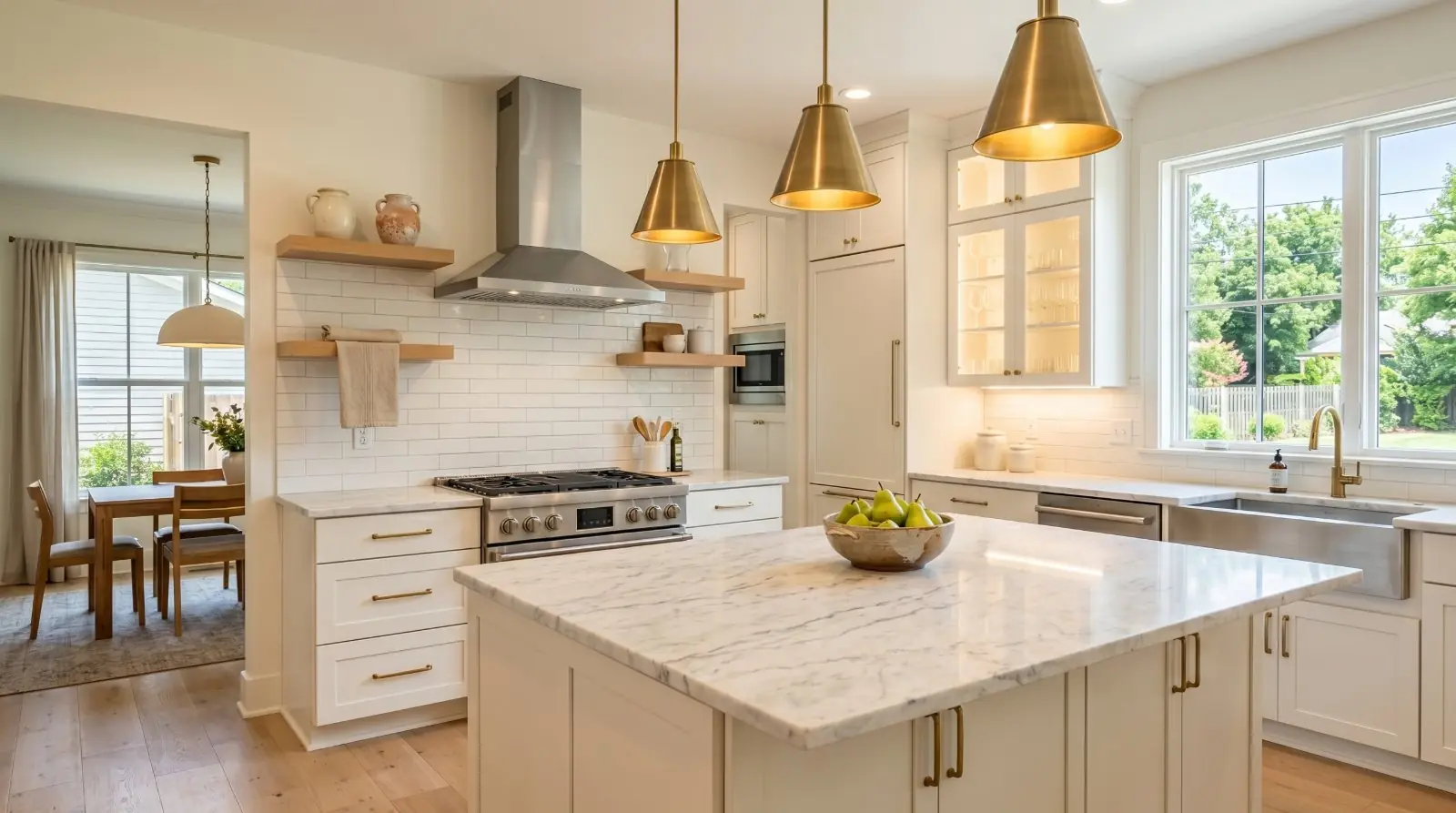
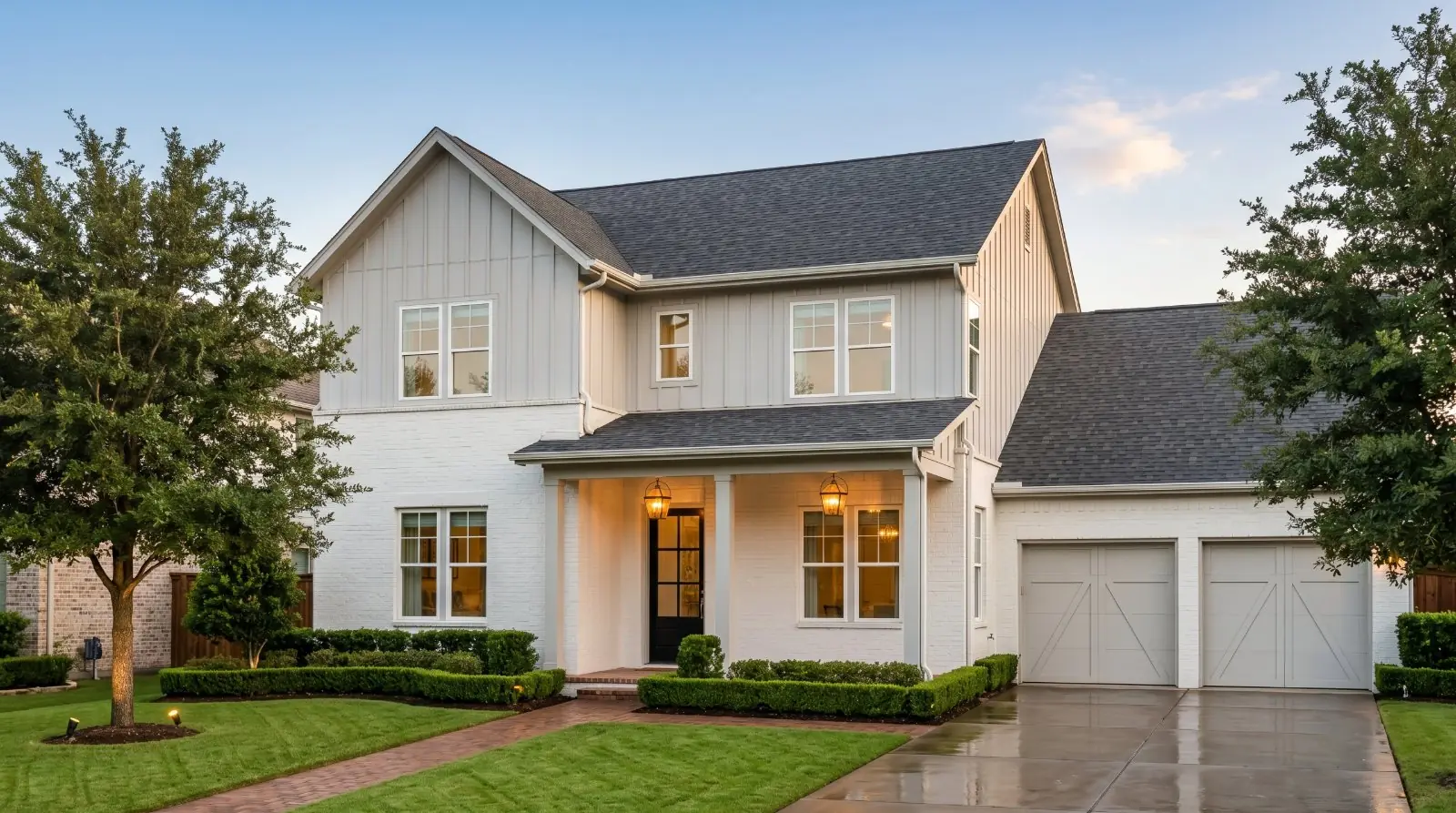
A buyer browsing Zillow on a phone sees the first three photos as part of the listing preview before they even tap in. On desktop, they see the first six in a grid layout above the fold. Most buyers decide whether the listing is worth their attention from those six photos alone.
Everything after photo six matters too — but only for the buyers who’ve already decided the listing is worth a closer look. The first six earn the click. The rest support the case.
The implication for sequencing: spend disproportionate time deciding which six lead. Get those right and the rest of the gallery has room to breathe.
The recommended sequence
For a standard single-family listing, this sequence works for almost every property type. Adjust for outliers (a condo with no exterior, a luxury listing where the entry is the strongest feature) using the principles below, not the literal order.
The rule of thumb most listing photographers use: roughly four-fifths of the buyer’s judgement is formed by the first six photos. There isn’t a controlled study behind that ratio — it’s a working heuristic agents and photographers cite based on the shape of buyer engagement on the listing portals — but the structural insight holds. A buyer who likes the first six photos extends benefit-of-the-doubt to the rest. A buyer who doesn’t is gone before slot ten. Spend disproportionate time on the first six accordingly.
Photos 7 through ~20 — the supporting cast
Once the first six are locked, the rest of the gallery is the longer story. The remaining photos roughly follow this order:
7–10: The rest of the main floor. Dining room, entry/foyer if it’s worth showing, second living space if there is one, half-bath if it’s a feature, mudroom/laundry if it adds to the floor plan story.
11–14: The rest of the bedrooms and bathrooms. Second bedroom (wide), guest bath (wide), additional bedrooms (one shot each, wide), home office or flex space if not already shown.
15–18: Outdoor and additional features. Backyard, deck or patio, pool (if not the standout feature), garage if it’s a feature, additional outdoor spaces.
19–22: Context shots, if relevant. Wide context shot showing the lot, the neighbourhood, the street, the proximity to a view or amenity. Aerial shot if the listing has one.
For most listings, 20–22 photos total is the sweet spot. Fewer than 15 reads as thin. More than 25 dilutes the gallery — the buyer loses focus after 20 and the standout shots get less attention.
How many photos belong in the gallery — by property type
The 20–22 sweet spot is the right default for a standard single-family listing, but the photo count that fits each property differs meaningfully by type and price tier:
The simple operating rule: use enough photos to answer the buyer’s major questions, but not so many that weak photos dilute the listing. A 14-photo gallery of strong shots beats a 30-photo gallery padded with weak ones — and a 30-photo gallery of strong shots beats a 50-photo gallery if the marginal photos don’t tell the buyer something new.
The effect plateaus quickly. Going from 22 to 35 photos doesn’t deliver the same compounding return as going from 8 to 22. Get to the right count for the property tier; don’t over-shoot to chase a number.
Listing-tier guidance
Photo strategy shifts substantively by price band. Mismatching the gallery to the tier — under-shooting a luxury listing or over-styling a starter — is one of the most visible signals a buyer reads about whether the agent understands the segment.
Starter / affordable listings (typically under $400K)
The job: communicate that the home is clean, well-maintained, and ready to live in. The photo count is on the lower side — 20–28 well-chosen shots. The first six follow the standard sequence. Beyond that, prioritise: all bedrooms shown clearly; all bathrooms shown clearly; laundry and storage if functional; yard and parking; mechanical updates (new roof, HVAC, windows) shown if recent.
Don’t pad the gallery with detail shots, don’t try to make a starter home look like a luxury home, and don’t over-edit. The buyer at this tier is qualifying the property as a sensible purchase, not falling in love.
Mid-market family homes ($400K–$1M)
The standard recommendations apply unmodified. Aim for 30–40 photos. The first six tell the story; the next 25–34 fill in flow, storage, family functionality, primary suite, outdoor space, and any standout features. This is the tier most US listings fall into; the article’s default playbook is calibrated for it.
Premium / move-up homes ($1M–$2M)
The bar shifts. Aim for 40–55 photos. Twilight exterior earns a slot at this tier. Photo six (the standout feature) carries more weight — the premium buyer is paying for what makes this listing distinct, and the photo should communicate it without ambiguity. Detail shots earn their place: backsplashes, cabinetry, premium fixtures, custom millwork, the wine room. Drone or aerial shots earn slots if the lot or view justifies them.
Luxury listings ($2M+)
50–70 photos, up to the MLS limit. The gallery is part of the marketing package, alongside a separate property website, professional video, floor plan, and drone work. The photos justify the price: architectural hero shots, twilight exteriors front and back, the entry sequence, the primary suite as a multi-photo treatment, the kitchen with multiple feature shots, the pool and outdoor living in depth, the views, the grounds.
Phone photography alone usually doesn’t clear the bar at this tier — but a well-executed phone-first workflow can still produce the supporting shots and the AI-rendered twilight elements that round out the package.
The MLS compliance checklist (run before every upload)
Before the listing goes live, run through this. Each item catches a common failure that becomes a complaint, a correction, or a credibility problem after the listing is public:
- — Photo rights confirmed. Do you have the legal right to use every image — photographer license, brokerage media agreement, or seller authorisation?
- — No agent branding in photos. Most MLSes prohibit agent logos, phone numbers, QR codes, signs, or watermarks in listing photos.
- — No people, no pets visible in any photo. Including any silhouettes through windows.
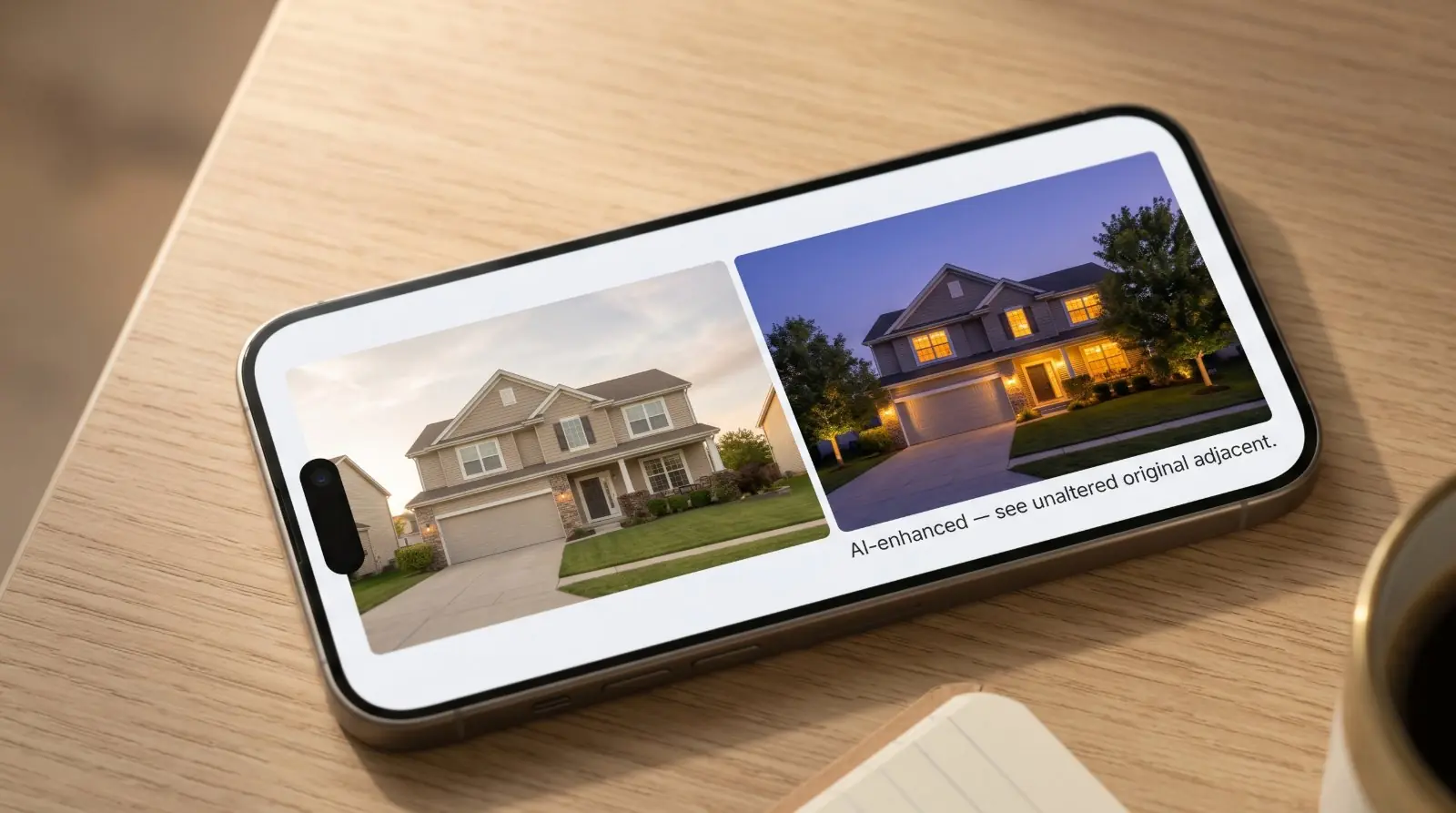
- — All disclosed AI-edited images flagged correctly. Sky replacements, twilight renderings, virtual staging, object removal, composite images all require disclosure. For California listings, AB 723 requires the unaltered original adjacent or available.
- — No defects digitally removed. Damage, stains, peeling paint, water marks, and other condition issues stay in the photos — concealment is an Article 2 violation regardless of disclosure.
- — No personal or security-sensitive items visible. Family photos, alarm panel codes, security camera screens, prescription bottles, valuables in the background, addresses on visible mail.
- — All photos horizontal/landscape orientation unless the MLS specifically allows portrait images.
- — All photos high resolution to meet MLS and major portal display requirements (typically 1024×768 minimum; 2048×1536 or higher recommended).
- — The listing previewed after upload. Open the listing on the MLS, on Zillow, on Realtor.com — confirm the photos display correctly, the order survived syndication, the disclosures aren’t stripped, and the lead thumbnail is the one you intended.
The two-pass selection method
The biggest time-sink in listing photography isn’t the shoot. It’s the selection. After a typical shoot, you’ll have 50–80 raw photos. You need 20–22. Doing this in one pass is exhausting and produces inconsistent results. The two-pass method is faster and better.
Pass 1 — Technical kills
Go through every photo once. Cut the technical failures without thinking about whether they “could be saved.” Categories: blurry or out-of-focus shots; tilted verticals you didn’t notice on-site; blown-out windows where the exposure lock didn’t catch; crushed shadows that didn’t recover in HDR; the photographer visible in a mirror or chrome surface; the wrong people, pets, or objects in the frame; duplicates.
After pass 1, you’ll typically be down from 50–80 raw to 25–35 keepers. This pass is mechanical and takes about 10 minutes. Don’t agonise. If it’s technically bad, it’s out.
Pass 2 — Editorial keepers
The remaining 25–35 photos are all technically usable. The second pass is about whether each one is editorially worth keeping. Questions to ask of each photo: Does this photo tell the buyer something the other 24 don’t? Is this the strongest version of this room/space/feature? Does it earn a slot in a 20-photo gallery, or am I keeping it because I shot it?
The cutting criteria for pass 2 is harder: if a photo isn’t pulling weight, cut it even if it’s pretty. Pretty doesn’t sell listings. Decisive cuts do. After pass 2, you should be at 18–22 photos. That’s your gallery.
A few sequence exceptions
The recommended order assumes a standard single-family suburban listing. Some property types need a different sequence:
The principle: the first three photos should make the case for what makes this listing different. Then return to the standard sequence for the supporting case.
Batch the whole gallery in one pass. Twenty free when you sign up.
Phone photos to market-ready listing images in 10 seconds. Twenty free when you sign up — no credit card.
One photo tip every Sunday.
Real techniques agents are using this week. No spam. Unsubscribe in one click.